People Setup
This guide explains how to create and configure employees inside LawFlow, including department coverage, matter types, personal calendar routing, priority handling and emergency escalation.
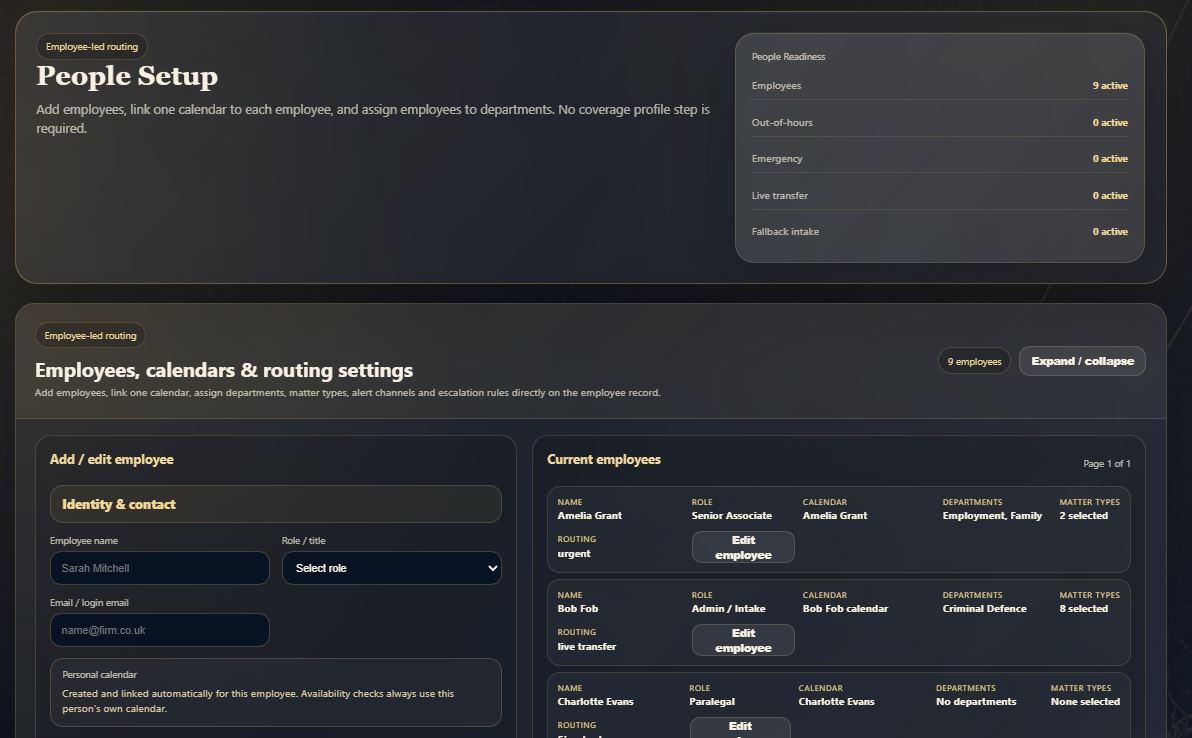
Understand the People Setup screen
The overview shows employee readiness, current employee records, and the add/edit employee panel.
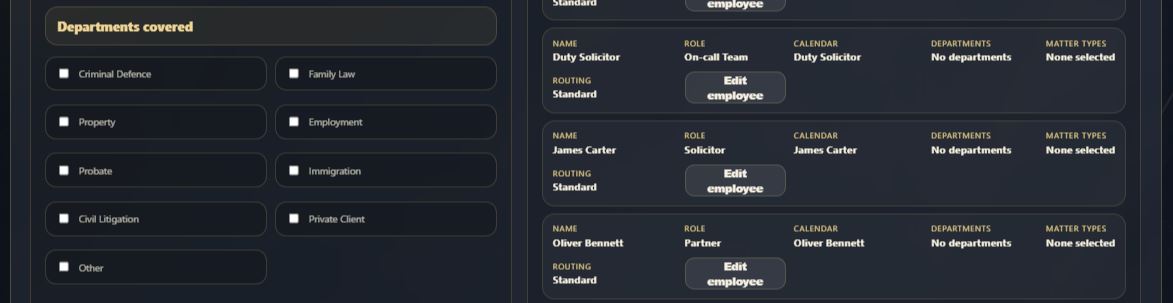
Select the departments this employee can handle
Choose the departments where the employee is suitable for allocation. This determines which calls, enquiries and matters can be routed to them.
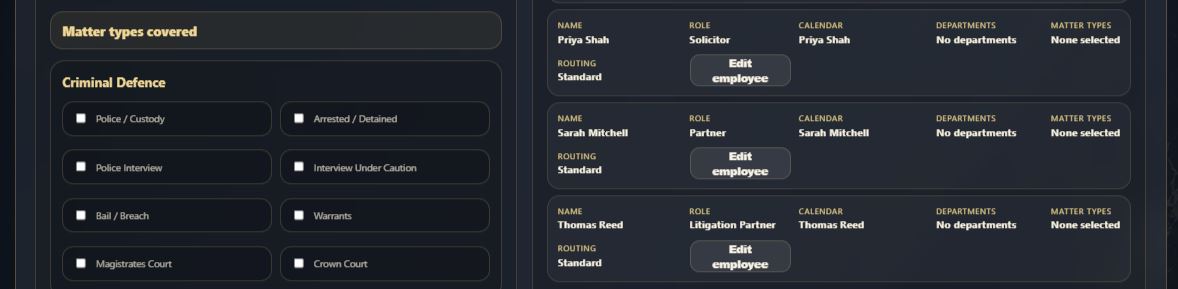
Choose the employee’s matter specialisms
After departments are selected, LawFlow uses matter types to route work more precisely.
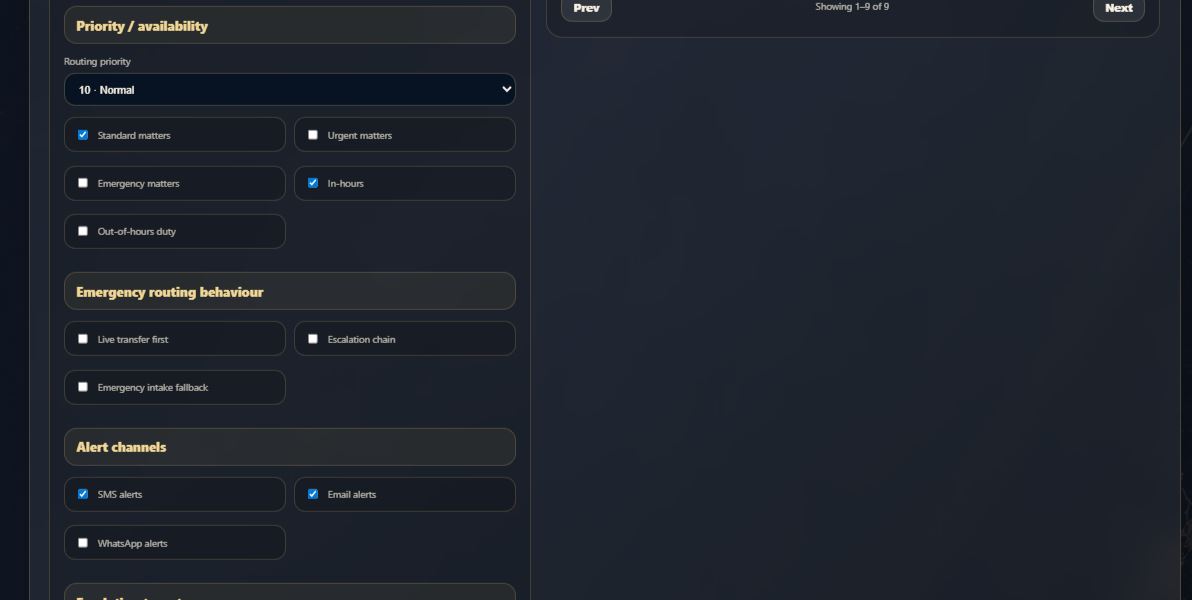
Set priority, availability and alert channels
Configure how LawFlow should treat this employee for standard, urgent and emergency work.
Add emergency and fallback contact details
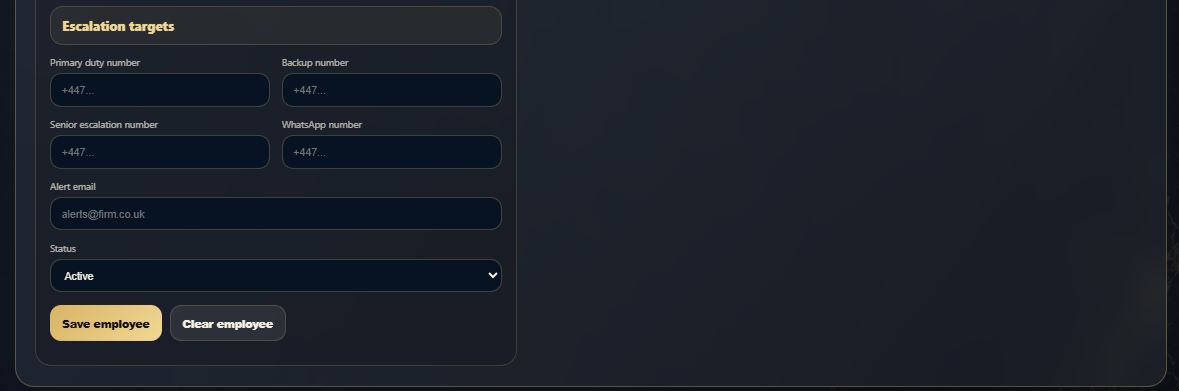
Add the primary duty number, backup number, senior escalation contact, WhatsApp number and alert email.
Critical LawFlow Rule: personal calendars only
LawFlow does not use a shared department calendar for employee availability. Each employee must have their own personal calendar. The system first checks whether the employee is eligible for the department and matter type, then checks that employee’s own calendar before routing calls, messages or appointments.